How to Make an RLCraft Server (2.9.3)
Set up an RLCraft server: Forge 1.12.2 on Java 8, the server.properties settings the pack asks for, how much RAM, pre-generating a world for bigger groups and updating from older versions.
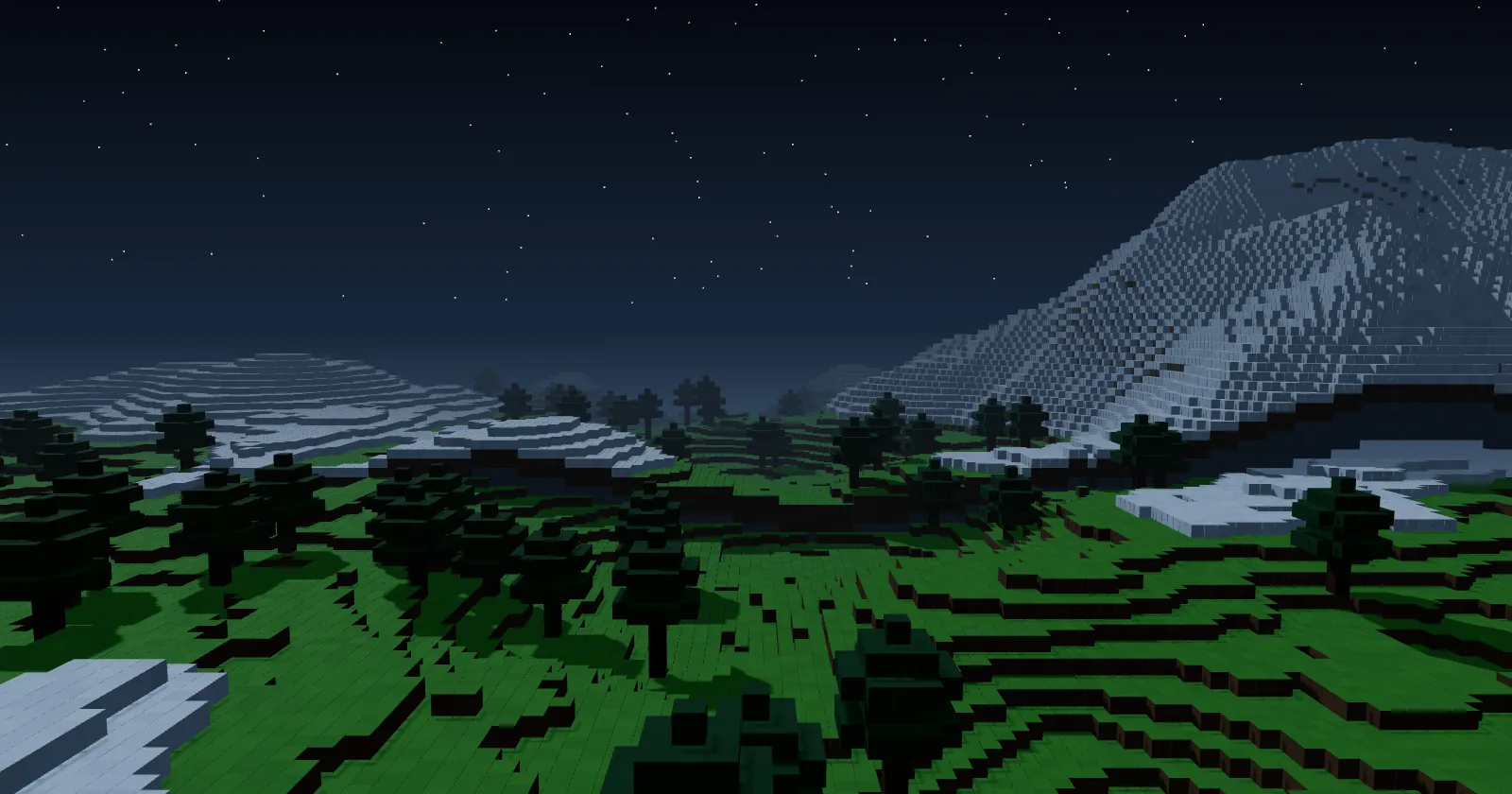
RLCraft is the classic hardcore survival pack on Minecraft 1.12.2: thirst, temperature, dragons and a lot of things that want you dead. It is not updated often, so a server set up well once keeps running for a long time. This guide sets up an RLCraft server on ServerPrism, including the settings the pack itself asks every server to use. In a hurry? The RLCraft server hosting page installs it in one click.
RLCraft at a glance
| Item | Details |
|---|---|
| Newest version | 2.9.3 |
| Minecraft | 1.12.2 |
| Mod loader | Forge 14.23.5.2860 |
| Mods | About 190 |
| Java | 8 |
| RAM | 8 GB for a small group, more for 10 or more players |
| Source | CurseForge |
We checked these on 13 November 2026. 2.9.3 is the newest RLCraft; there is no official RLCraft 3, only separate packs with similar names.
How much RAM does an RLCraft server need?
RLCraft is lighter than modern kitchen-sink packs, but its structures, mobs and dragons need room. We recommend 8 GB, even for a few friends. On 6 GB the server tends to run short of memory.
| Players | Plan |
|---|---|
| 1 to 5 | 8 GB |
| 6 to 12 | 10 GB |
| 12 or more | 12 GB or more, and pre-generate the world |
Java gets 80 % of your plan (the RAM Percentage setting on the Startup tab). More memory later: How to upgrade or downgrade your plan.
Step 1: Install RLCraft
On a new server: open the RLCraft page, click Get your server and choose a plan. In the checkout, the Software section already has Minecraft and RLCraft picked. After payment we install the pack, Forge and Java 8.
On a server you already have:
- Make a backup first, because installing a modpack replaces the server's files. Open Server Settings, then Backups, then User Backups, and click Create Backup.
- In the sidebar, under Service, click Change Runtime.
- Under Select Game & Version, choose Minecraft as the Runtime, search for "RLCraft" under Type / Modpack, and pick the Version.
- Click Switch Runtime, read the confirmation, tick the box and click Switch Now.
RLCraft Dregora and RLCraft Recrafted are separate packs. More about switching: Change Runtime.
Step 2: Start the server for the first time
Click Start in the Console. The server is ready when the console shows a line like:
Done (64.118s)! For help, type "help"
eula.txt is set, and we put the server on Java 8, the Java that Forge for 1.12.2 is made for. If the console prints a [ServerPrism] line about Java, pick Java 8 under Docker Image on the Startup tab.
Step 3: The settings RLCraft asks for
The pack ships a file called FOR SERVERS ONLY - SET THESE IN SERVER.PROPERTIES.txt with four settings every RLCraft server should use. Stop the server, open Files, then File Manager, and set them in server.properties:
| Setting | Why |
|---|---|
allow-flight=true |
Flying mounts and fairy rings. Without it the server kicks players using them. |
difficulty=3 |
Hard, the difficulty RLCraft is balanced around. |
max-tick-time=-1 |
Big structures take a while to generate. Without it Forge thinks the server froze and shuts it down. |
enable-command-block=true |
Needed for villagers to spawn in generated structures. |
The same file says view-distance should be 10, but you can lower it to 8 or even 6 if many players cause lag; not lower than 6. Start the server again after saving.
Use Player Lists under Minecraft for the whitelist and operators (Add to whitelist, Make operator). More in Server basics: server.properties, whitelist, and ops.
Step 4: Pre-generate for bigger groups
RLCraft's own advice: pre-generate the world if more than 10 players will play. It uses the Chunk Pregenerator mod, which isn't part of the pack:
- Download the 1.12.2 version of Chunk Pregenerator from its CurseForge page.
- In the File Manager, open the
modsfolder, click Actions, then Upload File…, and add the jar. Restart the server. - In the Console, run the pack's commands for a 10,000-block square around spawn:
pregen utils setPriority pregenerator
pregen timepertick 250
pregen gen startradius square 0 0 b10000
- Restart the server when it is done.
pregen utils setPlayerLimit 1pauses generation automatically while players are online.
How players join
- Install RLCraft 2.9.3 in the CurseForge app, at the same version as the server.
- The pack's makers say the default 3 GB of client memory is fine and not to give the game more than 4 GB.
- Don't add VanillaFix or BetterFPS: the pack page warns they break RLCraft.
- In Minecraft, choose Multiplayer, then Add Server, and paste the address from the Overview tab under Connection. See Connecting to your server.
Common first-start problems
| What you see | What to do |
|---|---|
| The server shuts itself down while generating a big structure | Set max-tick-time=-1 (Step 3). |
| Players are kicked when flying on a mount | Set allow-flight=true. |
| No villagers in structures | Set enable-command-block=true. |
| Friends see mismatched mods | Everyone needs RLCraft 2.9.3, like the server. |
The server stops at start with a [ServerPrism] Java line |
Pick Java 8 under Docker Image on the Startup tab. |
Keep it running smoothly
- Pre-generate before a big group joins.
- Lower
view-distanceto 8 if many players are online. - RLCraft 2.9 no longer needs frequent restarts, according to its makers.
- On very large servers that have run for months, the pack suggests deleting the village data file (
villages.datin the world'sdatafolder) now and then, because it can grow too big and cause lag spikes. Stop the server and make a backup first. - More tips: Reducing lag on your Minecraft server.
Backups and updating RLCraft
- Before any change: Server Settings, then Backups, then User Backups, then Create Backup. See Backing up your server.
- Worlds from 2.8.2 or older don't work with 2.9 and newer: start a new world.
- Worlds from 2.9 or 2.9.1c mostly work on 2.9.2 and 2.9.3. After updating, run
bq_admin default loadandbqs_loot default loadin the console to update quests and loot tables. The pack's notes say races reset and backpack contents drop, and they recommend a new world where you can. - In Change Runtime, keep RLCraft as the Type / Modpack and pick the newer Version; the confirmation screen says Your world is kept.
Bringing an existing RLCraft world
Use SFTP (under Files): the Host, Port and Username are shown there, and SFTP has its own password, click Generate new password. Stop the server, upload the world folder and set level-name to its name. Step by step: Uploading a Minecraft world.
More modpack guides
- How to Make a Prominence II Server
- How to Make a Create: Above and Beyond Server
- Browse all modpacks we install in one click
- RLCraft server hosting
Stuck? Open a support ticket with your server name and the last lines from the console, and we'll help.